Snapseed APK Download – Free Photo Editor for Android (2026)
140 MBVersion
v4.0.6.933902822Requirements
Android 8.0 and aboveDownloads
100 Million+Get it on

Description
If you want a photo editor that actually behaves like a professional tool without charging you a single rupee, Snapseed deserves your attention. Developed by Google, this app has earned its reputation as one of the most complete free photo editors on Android. With the Snapseed APK download, you get more than thirty editing tools, real film-style filters, and a clean interface that does not bombard you with ads or hidden charges.
This guide walks you through everything about the Snapseed APK download, including its newest features, how it compares with other editing apps, and the exact steps to install it safely on your phone.
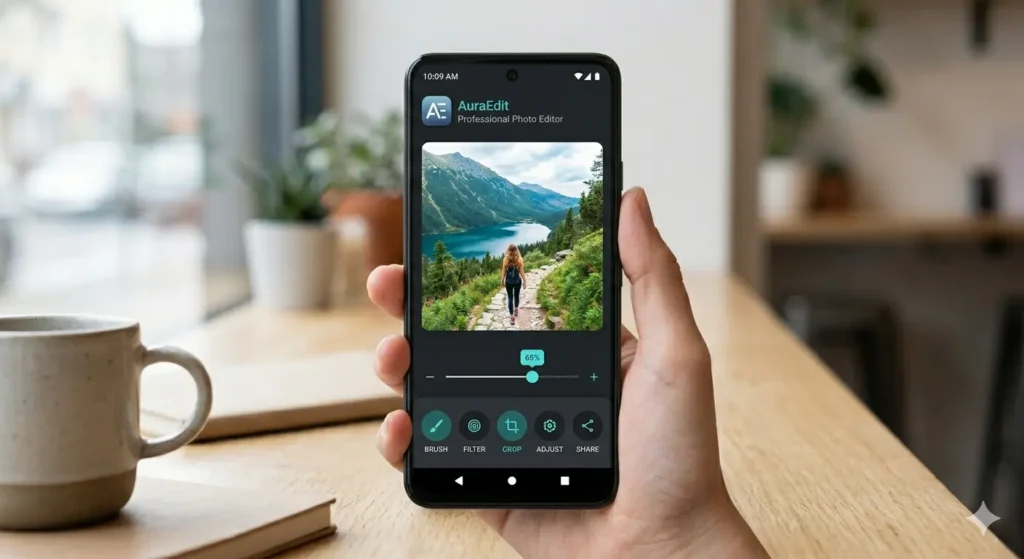
What Makes Snapseed Worth Downloading?
Snapseed stands out because it gives ordinary users access to editing power that used to be locked behind expensive desktop software. Whether you are touching up a selfie or fine-tuning a landscape shot, the app adapts to your skill level without dumbing down the controls.
Since Google rolled out the Snapseed 4.0 update, the app feels noticeably faster and more intuitive. The redesigned interface introduces a favourites bar so your most-used tools sit right at your fingertips, which saves time during long editing sessions. Consequently, even editors who switch between several tools in one project find the workflow smoother than before.
Key Features of Snapseed
Non-Destructive and Batch Editing
You can now edit multiple photos at once and apply your favourite look across an entire batch. Additionally, every adjustment stays non-destructive, so you can always revert to the original image without losing quality.
Smart Masking
This feature isolates a subject or background with a single tap, making targeted edits faster than manual masking ever was. As a result, tasks that once took several minutes now take seconds.
Snapseed Camera
Built directly into the app, this tool lets you shoot photos using custom film styles in real time. Therefore, you can apply a vintage or cinematic look while capturing the shot instead of editing it afterwards.
Colour HSL, Dehaze, Halation, and Bloom
These newer tools give you precise control over colour and lighting. For instance, Dehaze clears up foggy or hazy shots in one tap, while Halation and Bloom add a soft, film-like glow to portraits.
30+ Pro Tools and Filters
From Healing and Structure to Perspective correction and HDR, Snapseed covers nearly every editing need. Furthermore, it supports both JPG and RAW files, which matters if you shoot with a higher-end camera phone.
No Ads, No Subscriptions
Unlike many editing apps that lock premium tools behind a paywall, Snapseed remains entirely free. There are no watermarks, no forced subscriptions, and no intrusive ads interrupting your workflow.
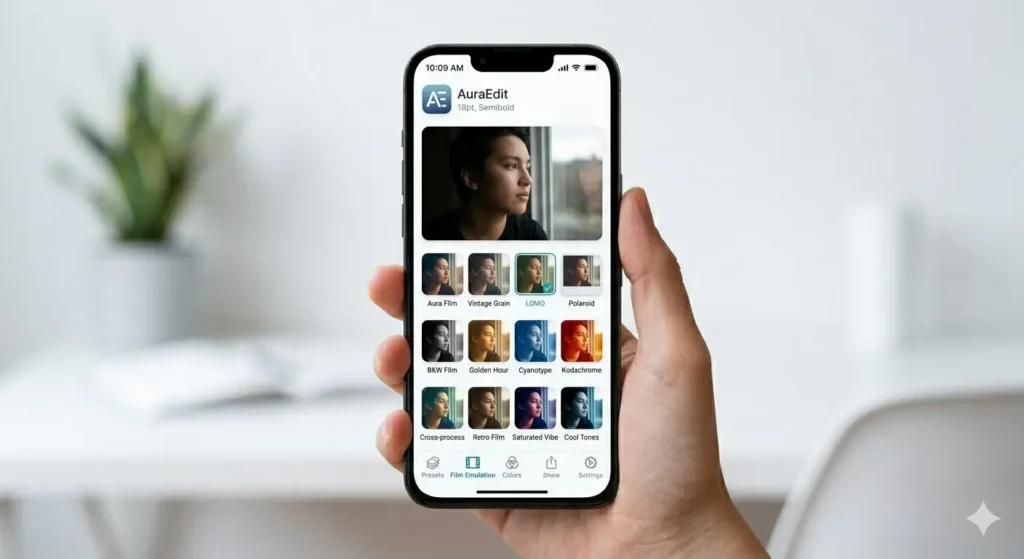
Why Choose Snapseed Over Other Photo Editors?
Many Android users juggle multiple editing apps because no single app covers every need. However, Snapseed manages to combine professional-grade tools with a beginner-friendly interface, which is rare. Since it comes directly from Google, you also get consistent updates and reliable performance across a wide range of devices, including older phones with limited storage.
Moreover, because all your edits stay private to your device until you choose to export or share them, privacy-conscious users tend to prefer Snapseed over apps that push social sharing features by default.
Snapseed vs Other Popular Photo Editing Apps
| Feature | Snapseed | Typical Competing Apps |
|---|---|---|
| Price | Completely free | Often freemium with paywalls |
| Ads | None | Frequent in free tiers |
| RAW File Support | Yes | Limited or absent |
| Batch Editing | Yes | Rare in free versions |
| Smart Masking | Yes | Usually a premium feature |
| Watermarks | None | Common on free exports |
| Interface | Clean and tool-focused | Often cluttered with social features |
Pros and Cons
Pros
- Completely free with no hidden costs
- Supports RAW image editing
- Smart masking speeds up complex edits
- Non-destructive editing protects your originals
- Regular updates from Google
- No ads or watermarks
Cons
- The redesigned interface takes some getting used to for long-time users
- Lacks built-in social sharing features found in other editors
- Some advanced tools may feel overwhelming for absolute beginners
How to Download and Install Snapseed APK?
The Snapseed APK download process takes less than a minute if you follow these steps in order.
- Tap the download button on this page to get the latest Snapseed APK file.
- Once the download finishes, open your phone’s Settings and enable Install from Unknown Sources for your browser or file manager.
- Locate the downloaded APK file in your Downloads folder and tap to open it.
- Tap Install and wait for the process to complete.
- Open the app, grant the necessary permissions, and start editing your photos.
For users who prefer the official route, you can also install Snapseed directly through the Google Play Store, which handles updates automatically.
Is Snapseed Safe to Download?
Yes. Snapseed is developed and maintained by Google LLC, which makes it one of the more trustworthy photo editing apps available for Android. Every APK listed on our site goes through a verification process before publishing, so you can install it without worrying about hidden malware or unwanted permissions.
Final Thoughts
Snapseed continues to prove that a free app can still deliver a professional editing experience. With the latest 4.0 update bringing smart masking, batch editing, and a faster interface, it remains one of the strongest photo editing apps available on Android in 2026. If you are looking for a reliable, ad-free editor that does not compromise on features, completing the Snapseed APK download today is a smart move for your phone.
Frequently Asked Questions (FAQs)
Yes, every tool in Snapseed is free, including features that other apps usually lock behind a subscription.
Snapseed runs on Android 8.0 and above, so most phones from the last several years support it smoothly.
Yes, the app opens and edits both JPG and RAW image formats without extra plugins.
No, exported photos remain completely free of watermarks or branding.
No, editing tools work offline. An internet connection is only needed for downloading the app or future updates.

APKStick Team
The APKStick Team consists of dedicated Android gaming enthusiasts based in Pakistan who personally test, install, and review every APK before publishing. With years of hands-on experience in mobile gaming and earning apps, we aim to provide safe, verified, and up-to-date APK downloads for Pakistani users. Every app reviewed on APKStick is manually tested on real Android devices to ensure it works, pays, and is free from malware.
Download links
Click the above button to download the game.
Download your game by clicking the button below.