ES File Explorer APK Download Free 2026 – Complete Guide
46 MBVersion
v4.4.3.7Requirements
5.0 and upDownloads
100M+Get it on

Description
For years, ES File Explorer was one of the most downloaded file management apps on Android, known for packing nearly every file-related feature into a single app. While it eventually disappeared from the Google Play Store, the demand for it never really went away. Plenty of users still prefer its classic layout and broad feature set over the newer, simplified file managers available today.
This guide covers everything you need to know about ES File Explorer, from what made it popular in the first place to its complete feature set, how it compares to current alternatives, and how to install it safely in 2026.
What Is ES File Explorer APK?
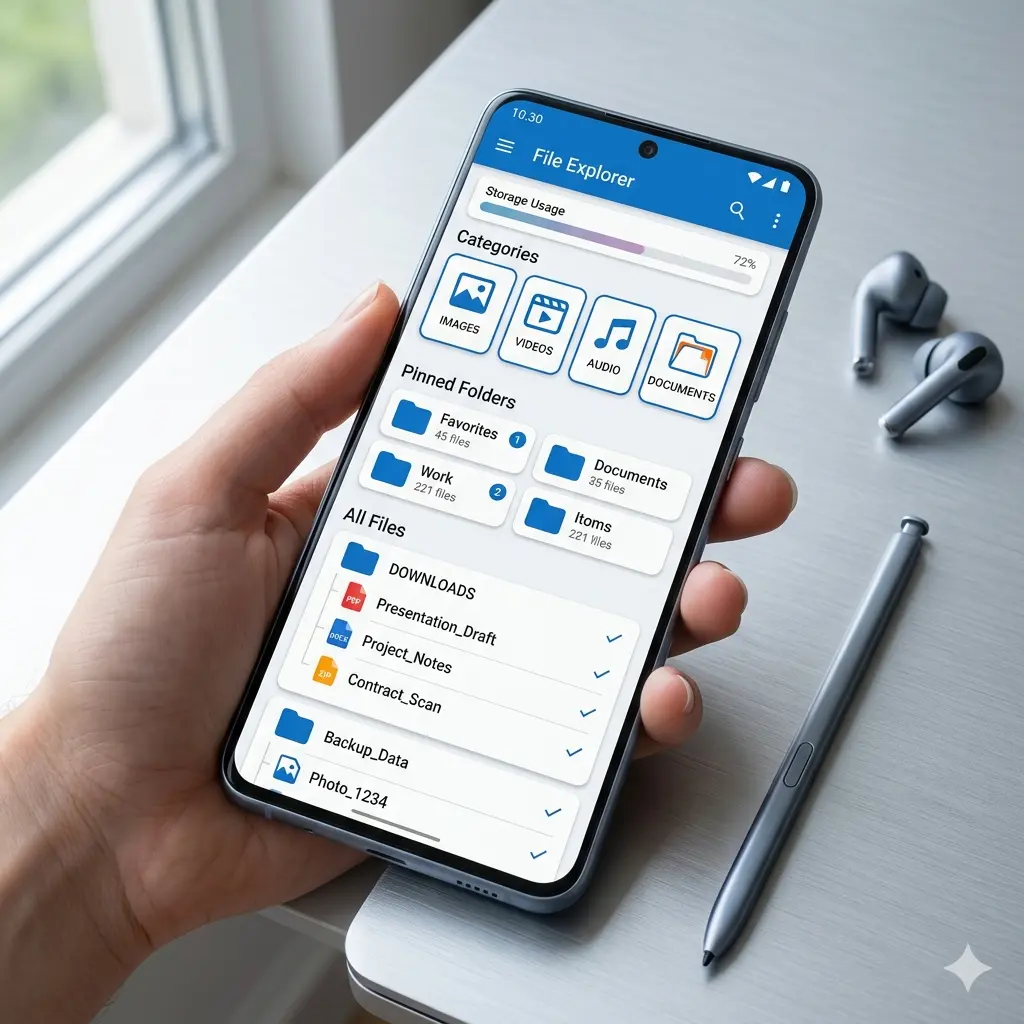
ES File Explorer is an all-in-one file management app for Android, originally developed by EStrongs Inc. and now maintained under different studio names through APK distribution. Unlike basic file managers that only let you browse folders, ES File Explorer combines file browsing, app management, cloud access, network sharing, and storage cleaning tools into one application.
Its biggest appeal was versatility. Instead of installing a separate app for cloud storage access, a separate tool for compressing files, and another app for managing installed applications, ES File Explorer rolled all of that functionality into one place.
Key Features
Complete File Browsing and Management
Users can copy, move, rename, delete, and share files directly within the app, with support for nearly every common file format, including documents, images, videos, and audio.
Built-In Archive Tool
ES File Explorer supports ZIP and RAR file creation and extraction natively, removing the need for a separate compression app.
App Manager
The app includes a dedicated section to view, sort, back up, and uninstall installed applications, which is a feature many basic file managers skip entirely.
Cloud Storage Integration
Direct access to cloud services such as Google Drive and Dropbox is built into the app, allowing users to manage cloud files alongside local storage without switching apps.
Network and LAN Sharing
The app supports file transfer over LAN, FTP, and Bluetooth, making it useful for users who regularly move files between a phone and computer.
Additional Features
Storage Analyzer
A visual breakdown of storage usage helps identify which file types or folders are consuming the most space.
Task Killer and Cache Cleaner
Background processes and leftover cache files can be cleared directly from the app, which was a popular feature on older, storage-limited devices.
SD Card Analyser
For devices with expandable storage, the app provides a dedicated view of SD card usage separate from internal storage.
Note Taking Tool
A simple built-in note feature lets users jot down quick notes without needing a separate app.
Auto-Start Manager
This shows which apps are configured to launch automatically when the device boots, giving users more control over background activity.
How ES File Explorer Compares to Other File Managers?
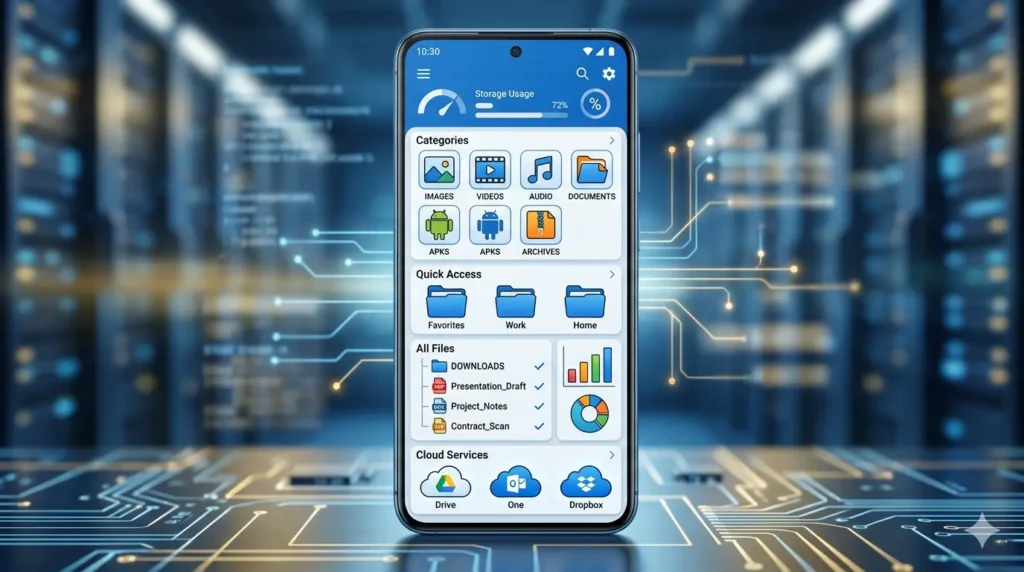
Compared to MIUI File Manager, ES File Explorer offers a much wider feature set, particularly around app management, network file transfer, and cloud integration. For users who want a single app that replaces multiple tools, this breadth of features is the main draw.
That said, this comes with a tradeoff. The interface feels more dated compared to newer file managers, and the app is noticeably heavier in size. Lighter alternatives like File Manager+ focus on simplicity and speed, while ES File Explorer leans into doing more at the cost of a steeper learning curve for new users.
Important Safety Note
It is worth being transparent about this. ES File Explorer was removed from the Google Play Store after its developers were found to be engaging in click fraud, a practice where the app generated ad revenue by clicking ads in the background without user awareness. This is why the app is no longer available through official app store channels and must be downloaded through third-party sources.
This does not necessarily mean every version of the app currently in circulation carries the same issue, but it does mean users should only download from a source that scans and verifies the APK file before publishing it, and should pay attention to the permissions requested during installation.
How to Download ES File Explorer APK? (Step by Step)
- Download the APK file from a verified source that scans files before publishing.
- Once the download finishes, locate the file in your Downloads folder.
- Tap the APK file to begin installation.
- If prompted, enable installation from unknown sources under Settings, then Security or Privacy.
- Tap Install and wait for the process to complete.
- Open the app and grant the storage permission it requests.
Registration Process
ES File Explorer does not require account creation or login to use its core file management features. You can start browsing, organising, and managing files immediately after installation. Some cloud integration features, such as connecting Google Drive or Dropbox, will require you to sign in to those specific services, but this is handled through the official login screens of those platforms rather than through ES File Explorer itself.
Pros and Cons
Pros
- Extensive feature set covering file management, app management, and cloud access in one app
- Built-in ZIP and RAR support without needing extra tools
- LAN, FTP, and Bluetooth file transfer options
- No registration required for core features
- Familiar interface for long-time Android users
Cons
- No longer available on the Google Play Store
- Past history of click fraud allegations against the original developer
- Larger app size compared to lighter alternatives
- Interface feels dated compared to newer file managers
- Must rely on third-party sources for downloads, so file verification matters
Final Thoughts
ES File Explorer remains a feature-packed option for users who want one app to handle file management, app management, and cloud access together. Its history with the Play Store removal is worth knowing, but for users who download from a trusted, verified source, it continues to be a functional choice, particularly for those who already know and prefer its classic interface over newer minimalist file managers.
FAQs
It was removed after its developers were found engaging in click fraud, which violated Play Store policies.
Yes, as long as it is downloaded from a source that scans and verifies the file before publishing it.
No, core file management features work without any login. Cloud integration features require signing into those specific services.
Yes, it includes a built-in app manager for sorting, backing up, and uninstalling apps.
Yes, both creating and extracting ZIP and RAR archives are supported natively.
No, root access is not required for standard features.

APKStick Team
The APKStick Team consists of dedicated Android gaming enthusiasts based in Pakistan who personally test, install, and review every APK before publishing. With years of hands-on experience in mobile gaming and earning apps, we aim to provide safe, verified, and up-to-date APK downloads for Pakistani users. Every app reviewed on APKStick is manually tested on real Android devices to ensure it works, pays, and is free from malware.
Download links
Click the above button to download the game.
Download your game by clicking the button below.