ProtonVPN APK Download- Free Secure VPN App for Android 2026
Around 40–60 MB (varies by device)Version
v5.18.75.0Requirements
Android 6.0 and upDownloads
100M+Get it on

Description
Most free VPN apps make you choose between privacy and speed, and some even sell your data while claiming to protect it. Proton VPN breaks that pattern. The same Swiss company that built Proton Mail, one of the largest encrypted email services in the world, created this app, and it brings that same privacy-first mindset to VPN protection. If you are searching for a Proton VPN APK that keeps your browsing private without forcing you to pay right away, this app deserves a real look.
What Is Proton VPN?
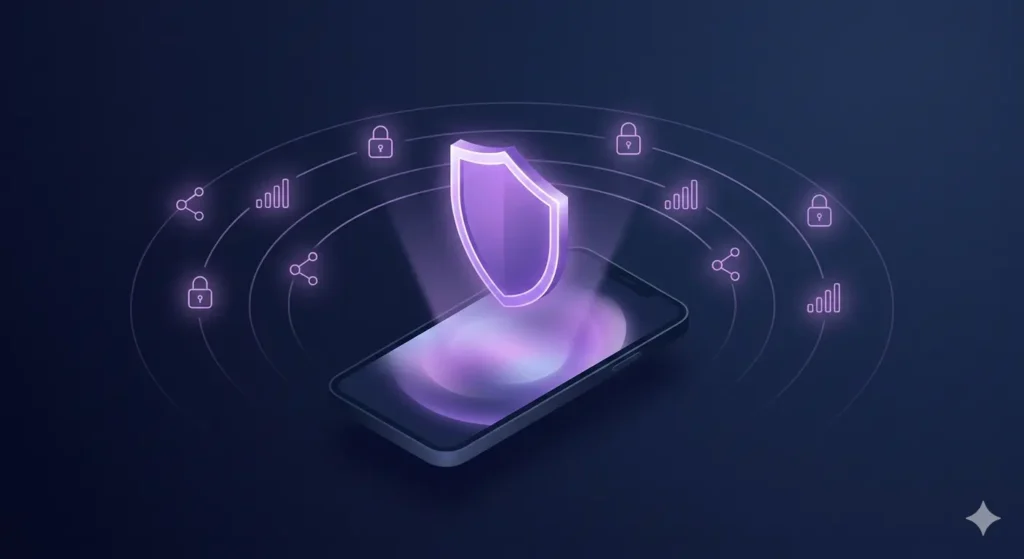
Proton VPN is a virtual private network app that hides your real IP address and encrypts your internet traffic. Scientists who previously worked at CERN built the app, and as a result, it follows a strict no-logs policy. This means the company does not track or store what you do online. Unlike many free VPN apps that limit your data or flood you with ads, the free version gives you unlimited data with no bandwidth caps.
Additionally, the app works on phones, tablets, and even Android TV. You do not need to create an account to start using the basic free features, which makes it a simple choice for anyone who wants quick and private access to the internet.
Key Features of Proton VPN APK
The app splits its features into two groups: what everyone gets for free, and what paid subscribers unlock.
Free features include
- Unlimited data with no speed throttling
- A strict no-logs privacy policy
- Full disk-encrypted servers
- DNS leak protection so your browsing stays hidden
- An always-on kill switch that blocks internet access if the VPN connection drops
- A discreet app icon option to hide the app on your home screen
Premium features include
- Access to more than 20,000 high-speed servers across 140+ countries
- VPN Accelerator technology that can boost speeds by up to 400 per cent on long-distance connections
- NetShield, a built-in ad and tracker blocker
- Secure Core, which routes traffic through extra servers in privacy-friendly countries before it leaves the network
- Support for up to 10 connected devices at once
- Split tunnelling, so you can choose which apps use the VPN and which do not
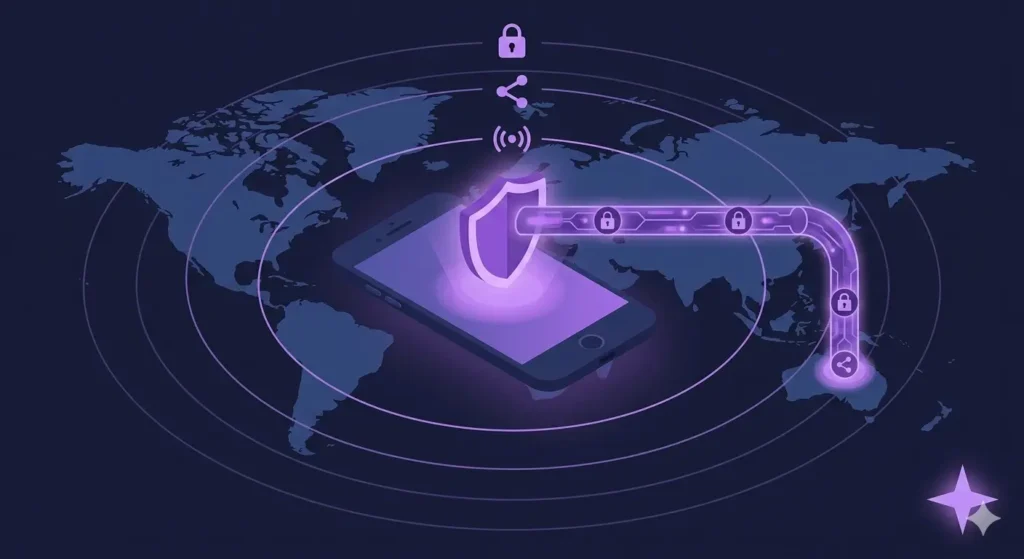
On top of these features, the app also supports several VPN protocols, including OpenVPN, IKEv2, WireGuard, and Proton’s own Stealth protocol. This last protocol works to bypass tough network restrictions, which makes it useful in places where regular VPN connections get blocked.
Free vs Premium Comparison
The table below makes it easier to see exactly what changes when you upgrade.
| Feature | Free Plan | Premium Plan |
|---|---|---|
| Data limit | Unlimited | Unlimited |
| Server locations | Limited (around 10 countries) | 140+ countries |
| Server count | A few free servers | 20,000+ servers |
| Speed | Standard | Up to 10 Gbps with VPN Accelerator |
| Devices connected at once | 1 | Up to 10 |
| Ad and tracker blocker (NetShield) | Not included | Included |
| Secure Core (multi-hop) | Not included | Included |
| Split tunneling | Not included | Included |
| Streaming support | Not guaranteed | Guaranteed on supported services |
| Kill switch and DNS leak protection | Included | Included |
Why Pakistani Users Choose This VPN?
People in Pakistan often install VPN apps for a mix of reasons: bypassing restricted websites, protecting personal data on public Wi-Fi, or simply browsing without an internet provider tracking them. This app fits all three needs well.
For instance, its Stealth protocol works even on networks that try to detect and block VPN traffic, which helps when normal connections get blocked. Moreover, the free tier means students, freelancers, and everyday users can get real privacy protection without paying a subscription fee. Since the company operates from Switzerland, a country known for strong privacy laws, the surveillance rules that apply in many other regions do not cover your data here.
How to Download and Install Proton VPN APK?
Downloading the Proton VPN APK from apkstick.pk is simple and does not require a Play Store account. Follow these steps:
- Go to the download button at the top of this page and tap it to start the download.
- Once the APK file finishes downloading, open your phone’s file manager and locate it.
- If this is your first time installing an app outside the Play Store, turn on “Install from unknown sources” in your device settings.
- Tap the APK file and follow the on-screen prompts to install it.
- Open the app once installation is complete.
For comparison, you can also find the app directly on the Google Play Store as an official reference.
How to Use the App After Installation?
Once installed, open the app and choose to sign in with a Proton Account or continue as a guest. Guest mode lets you use all the free features right away without creating an account. From the home screen, tap “Fastest Country” and then “Connect” to link to the nearest available free server automatically. The screen turns green once the connection is active, and it shows the server location on a map.
If you prefer to manually pick a server, the Countries tab lets you browse by location. Free users can connect to servers in countries like the Netherlands, Japan, Poland, Switzerland, and Canada, while paid users get access to the full global server list.
Pros and Cons
Pros
- Genuinely unlimited free data, unlike most competitors
- Independent audits back its strong privacy reputation
- Works well across phones, desktops, and browsers
- Offers useful free-tier security tools like the kill switch and DNS leak protection
Cons
- The free plan offers a smaller selection of server locations
- Connection speed on the free tier can be slower than on premium servers
- Recent user feedback points out the lack of a pause or auto-reconnect option after a device restart
Final Thoughts
Overall, Proton VPN APK stands out because it gives away real privacy tools for free instead of locking everything behind a paywall. For anyone who wants a dependable VPN without daily data limits or constant upgrade prompts, it remains one of the more reliable options available today. Whether you need it for everyday browsing, streaming, or simply peace of mind on public Wi-Fi, this app delivers solid protection right out of the box.
4. FAQ Section
VPN apps remain legal for personal use in Pakistan, though the PTA requires some businesses to register their VPN usage.
No, the free plan offers unlimited data with no bandwidth caps or speed throttling.
It supports OpenVPN, IKEv2, WireGuard, and a custom Stealth protocol for restricted networks.
Yes, it works on devices running Android 6.0 or later.
Free servers may slow down during peak hours, but premium servers handle high-speed connections much better.
No, the app follows a strict no-logs policy and does not record your online activity.

APKStick Team
The APKStick Team consists of dedicated Android gaming enthusiasts based in Pakistan who personally test, install, and review every APK before publishing. With years of hands-on experience in mobile gaming and earning apps, we aim to provide safe, verified, and up-to-date APK downloads for Pakistani users. Every app reviewed on APKStick is manually tested on real Android devices to ensure it works, pays, and is free from malware.
Download links
Click the above button to download the game.
Download your game by clicking the button below.