Turn Ordinary Photos Into Art with PicsArt APK
95 MBVersion
v30.1.6Requirements
Android 8.0 and aboveDownloads
1,000,000,000+Get it on

Description
Not every photo needs a professional camera to look impressive; sometimes it just needs the right editing tool. PicsArt APK has built its reputation around exactly that idea, turning ordinary phone pictures into polished, share-ready content within a few taps. The app combines photo editing, AI generation, and collage making in one place, which is why it remains one of the most downloaded creative apps on Android. Whether you are running a small online store or just want better Instagram posts, this app covers a wide range of needs without demanding any design background.
What is PicsArt APK?
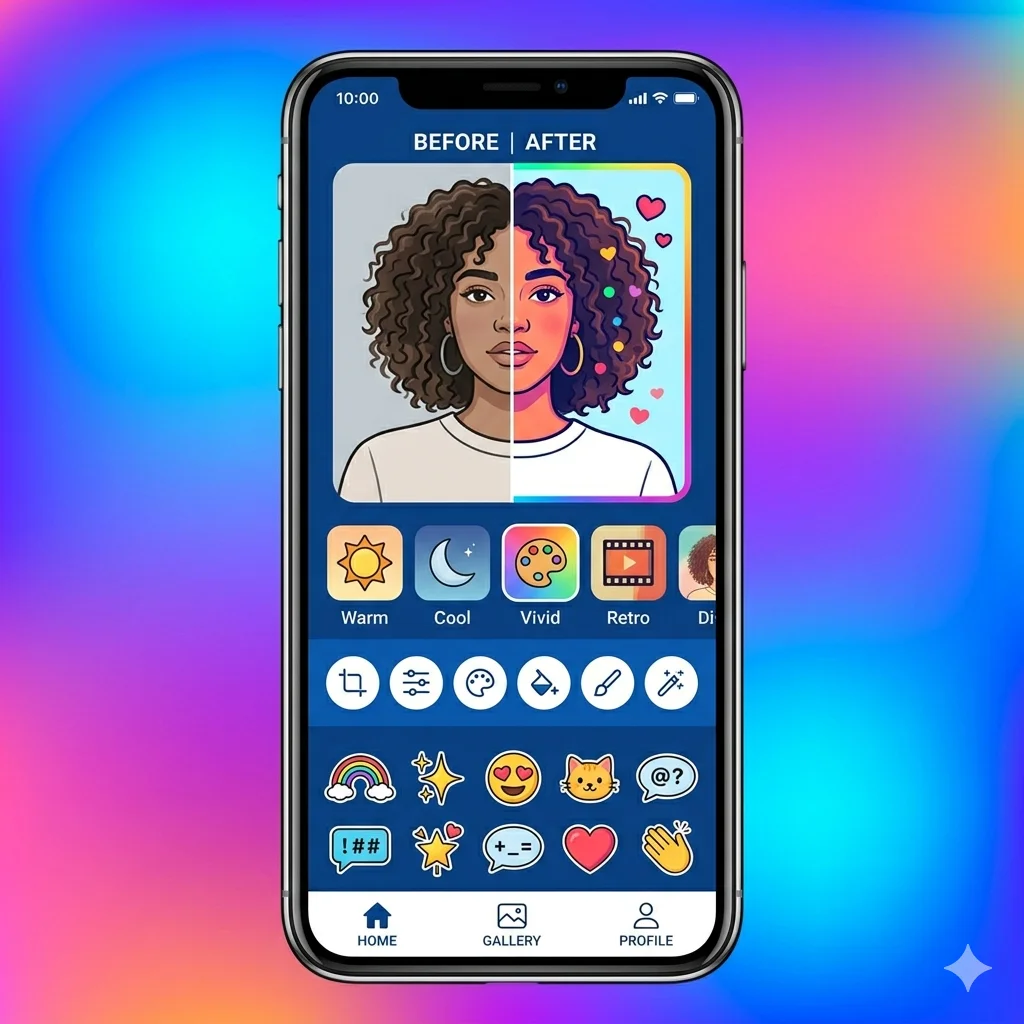
PicsArt APK is an all-in-one photo and video editing application developed by PicsArt Inc., a company that has been refining this product since 2011. The app gives users access to filters, background removal, retouching tools, text overlays, and a growing set of AI-powered features. It works as both an editor and a creative community, where users can browse templates made by other creators and remix them for their own posts. Over a billion downloads later, the app has become a default choice for casual editing as well as semi-professional content creation. Its biggest strength lies in how it bundles tools that would otherwise require three or four separate apps.
A Quick Look at PicsArt’s Background
Knowing where an app comes from often says a lot about how reliable it is likely to be over time. PicsArt was founded in Armenia and has grown into a company serving around 150 million monthly active users worldwide, according to public reporting. The platform has taken outside investment, including early funding from Sequoia Capital, and has continued expanding its AI capabilities through partnerships with major imaging companies. This kind of sustained growth and investment signals that the app is actively maintained rather than abandoned after early success. For users deciding whether to trust a creative app with their photos, that history carries real weight.
Key Features of PicsArt
Here is what you actually get once the app is installed and set up on your phone.
- One-tap background removal for product or portrait photos
- AI photo enhancement and style transfer tools
- Drawing tools with brushes, layers, and blending modes
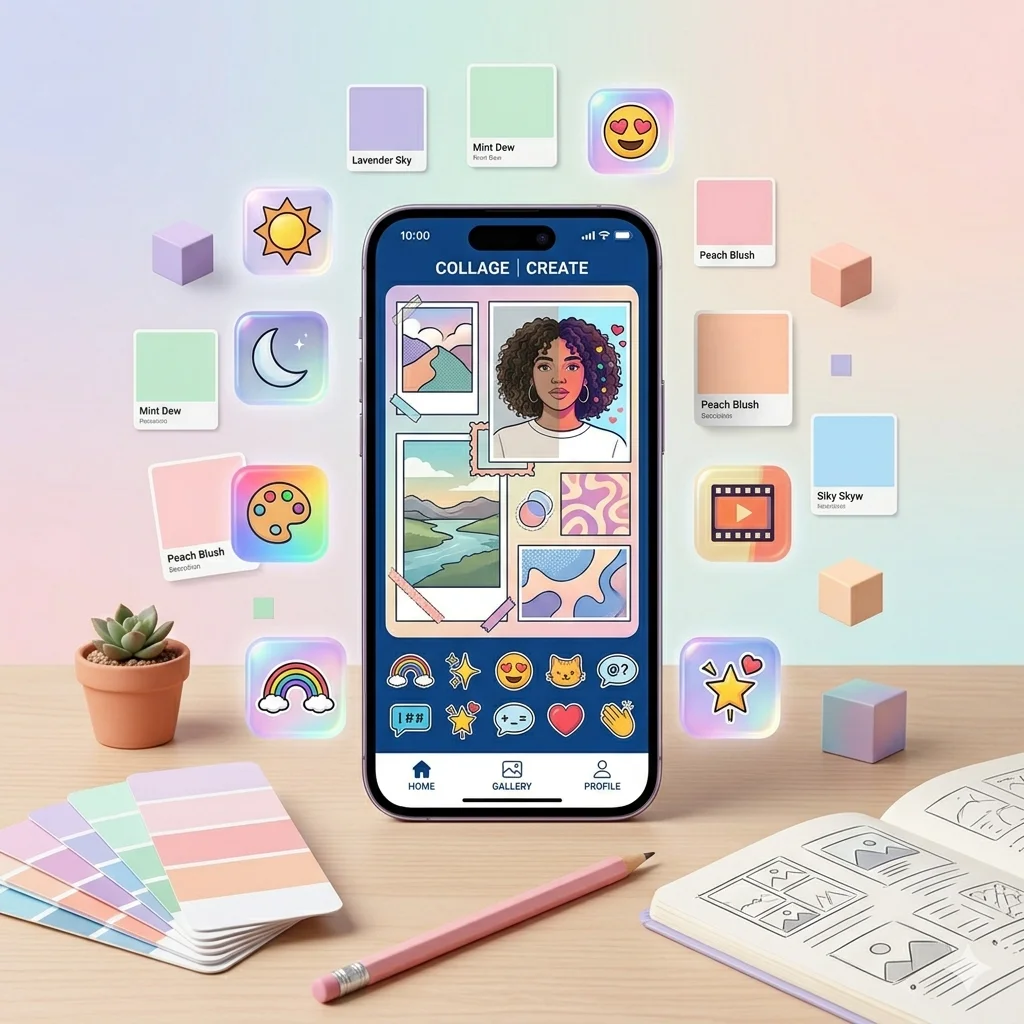
- Collage maker with dozens of pre-built layouts
- Text and sticker overlays for social media posts
- Built-in video editor for short clips and reels
PicsArt’s AI Tools Explained
AI features get mentioned in passing on most review pages, but they deserve a closer look since they form the core of what makes PicsArt different from older photo editors. The AI image generator creates entirely new visuals from a text description, useful for backgrounds or creative concepts you cannot photograph yourself. AI Enhance sharpens low-quality or blurry photos, which works particularly well on images taken in low light. There is also an AI-powered style transfer tool that applies artistic effects while keeping the subject of the photo recognisable. These tools run in the cloud rather than on your device, so a stable internet connection makes a noticeable difference in how fast results come back.
Why PicsArt Works Well for Pakistani Content Creators?
A detail most review articles skip entirely is how well a global app actually fits local content habits, and this matters a lot for users in Pakistan. PicsArt’s template library includes seasonal designs for Eid, Independence Day, and other local occasions, which saves time compared to designing posts from scratch. Small business owners selling on Instagram and Facebook Marketplace use the background remover constantly to create clean product photos without a studio setup. The collage maker also gets heavy use around weddings and family events, where multiple photos need to be combined into a single shareable post. Because the app works on mid-range phones across Pakistan, it remains accessible even without flagship hardware.
Free Plan vs PicsArt Gold
Understanding what you actually get for free versus what requires payment helps avoid surprises mid-edit.
| Feature | Free Plan | PicsArt Gold |
|---|---|---|
| Basic Filters and Editing | Yes | Yes |
| Background Removal | Yes (limited uses) | Unlimited |
| AI Tools | Limited credits | Expanded credits |
| Watermark on Exports | Sometimes | Removed |
| Premium Templates | No | Yes |
| Ads | Yes | Ad-free |
How to Download and Set Up PicsArt APK?
Getting started takes only a few minutes, and the setup walks you through everything automatically.
- Download the PicsArt APK file from a trusted source like APKSTICK
- Allow installation from unknown sources if your phone requests permission
- Install the file and open the app for the first time
- Create a free account using email or a social login
- Grant storage and camera permissions so the app can access your photos
- Start your first edit from the home screen template gallery
Creating an account is required to save your work and access cloud-based AI tools, though basic editing remains usable without heavy setup.
How to Avoid the PicsArt Watermark Legally?
This is a question almost every new user eventually asks, yet it rarely gets a straightforward answer. The watermark appears mainly on exports that use Gold-exclusive templates or certain AI features, not on every single edit you make. Sticking to standard editing tools, filters, and your own uploaded images typically produces a clean export without any watermark. If you regularly rely on premium templates or unlimited AI generation, subscribing to PicsArt Gold removes the watermark entirely and supports the app’s continued development. Avoid third-party “watermark remover” tools claiming to strip it from Gold-exclusive content, since these often violate the app’s terms and can expose your device to unnecessary risk.
PicsArt vs Other Photo Editing Apps
Choosing between editors usually comes down to how much you value AI tools versus precise manual control.
| Feature | PicsArt | Snapseed | Lightroom Mobile |
|---|---|---|---|
| AI Background Removal | Yes | No | Limited |
| AI Image Generation | Yes | No | No |
| Manual Colour Grading | Basic | Advanced | Advanced |
| Collage Maker | Yes | No | No |
| Offline Editing | Limited | Full | Full |
| Best For | Social content, quick edits | Precise photo correction | Professional photography |
Pros and Cons of PicsArt
A balanced view helps you decide if this app matches what you actually need.
| Pros | Cons |
|---|---|
| All-in-one editor, collage maker, and AI tools | Many features require an internet connection |
| Large library of templates and stickers | The free plan has usage limits on AI tools |
| Regular updates with new AI features | App size and storage use grow over time |
| Works well on mid-range Android phones | Some exports carry a watermark without Gold |
| Active creative community for inspiration | The interface can feel cluttered for beginners |
| Strong background removal accuracy | Premium subscription needed for full access |
Tips to Save Storage and Battery While Editing
Heavy editing apps can strain budget phones if used carelessly, so a few habits make a real difference. Close other apps running in the background before starting a large edit, since AI processing uses noticeable memory. Clear the app’s cache periodically from your phone settings to prevent it from quietly eating up storage over weeks of use. Export finished images at a reasonable resolution instead of maximum quality unless you specifically need it for printing. Editing on Wi-Fi rather than mobile data also speeds up AI tool response time and avoids unexpected data usage. These small adjustments keep the app running smoothly even on phones with limited RAM.
Is PicsArt Safe for Your Photos and Data?
Privacy is a fair concern for any app that asks for access to your camera roll and personal photos. PicsArt processes most AI features in the cloud, meaning some images temporarily pass through their servers during editing. The app’s privacy policy outlines how this data gets handled, and reviewing it before heavy use is worth the few minutes it takes. Avoid editing sensitive personal documents or identification photos through any cloud-based editor, including this one, as a general safety habit. For everyday content like product photos or casual social posts, the risk level stays low and matches what most mainstream creative apps already require.
Common Problems and Fixes
Most issues with the PicsArt APK relate to internet connectivity or storage rather than the app itself malfunctioning. If AI tools load slowly or fail to generate results, check your internet connection first, since these features depend on server processing rather than local computation. When exports come out blurry, increase the export quality setting before saving, as the app sometimes defaults to a compressed size. If the app crashes during heavy edits, clearing its cache and freeing up phone storage usually resolves the issue. Background removal occasionally struggles with complex backgrounds like hair or fur, which can be fixed manually using the refine edge tool. Keeping the app updated also prevents most compatibility problems with newer Android versions.
FAQs
Basic editing tools work offline, but AI features like background removal and image generation need an internet connection.
Watermarks usually appear on Gold-exclusive templates or AI features, while standard edits typically export clean.
For everyday content, it is generally safe, though sensitive documents should avoid cloud-based editing apps as a precaution.
Yes, the background remover works on the free plan with limited daily uses before requiring Gold for unlimited access.
Yes, the app includes a built-in video editor suitable for short clips and social media reels.

APKStick Team
The APKStick Team consists of dedicated Android gaming enthusiasts based in Pakistan who personally test, install, and review every APK before publishing. With years of hands-on experience in mobile gaming and earning apps, we aim to provide safe, verified, and up-to-date APK downloads for Pakistani users. Every app reviewed on APKStick is manually tested on real Android devices to ensure it works, pays, and is free from malware.
Download links
Click the above button to download the game.
Download your game by clicking the button below.