Truecaller APK Download Free Caller ID for Android 2026
92 MBVersion
v26.21.6Requirements
Android 8.0 and aboveDownloads
1.8 billion+Get it on

Description
Your phone rings, the number on the screen means nothing to you, and you are left guessing whether to answer or let it go. That small moment of hesitation happens dozens of times a month for most people, especially with the rise of scam calls and unknown marketing numbers. Truecaller APK solves this exact problem by showing you who is calling before you even pick up. It works off a community-driven database, so the more people use it, the smarter it gets at spotting spam.
What is Truecaller APK?
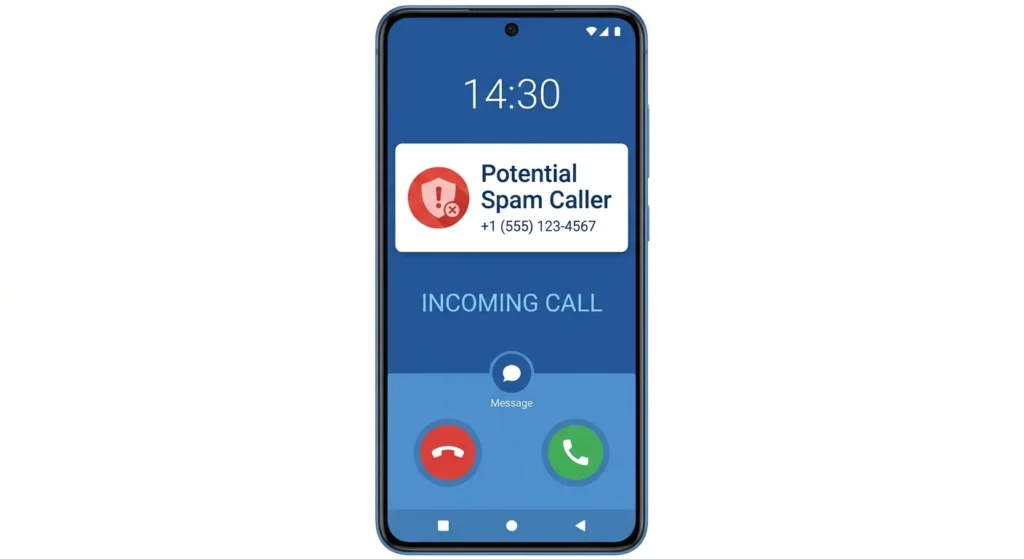
Truecaller APK is a caller identification and spam blocking app for Android phones, built by True Software Scandinavia. The app checks every incoming call against a global database of contributed numbers and instantly displays a name, even when the caller is a complete stranger. Beyond identifying numbers, it also screens text messages, separating spam SMS from your important conversations automatically. People download this app mainly to stop wasting time on telemarketing calls, fake delivery scams, and fraud attempts that have become common in recent years. Since the database grows with every user, the app becomes more accurate the longer it has been active in a region.
Why Truecaller Became a Daily Habit for Millions?
Few apps manage to turn a security feature into something people genuinely rely on every day, and Truecaller is one of them. Part of this comes from how instantly the app works, since caller information appears on screen within a second of the phone ringing. Another part comes from trust, built over more than a decade of community reporting that keeps the spam database fresh and accurate. People in regions with frequent scam activity, including Pakistan, often treat this app as a basic safety tool rather than an optional extra. That shift from convenience to necessity explains why the install base keeps climbing year after year.
Key Features of Truecaller
Here is what the app actually delivers once it is set up on your phone.
- Real-time caller ID for unknown numbers
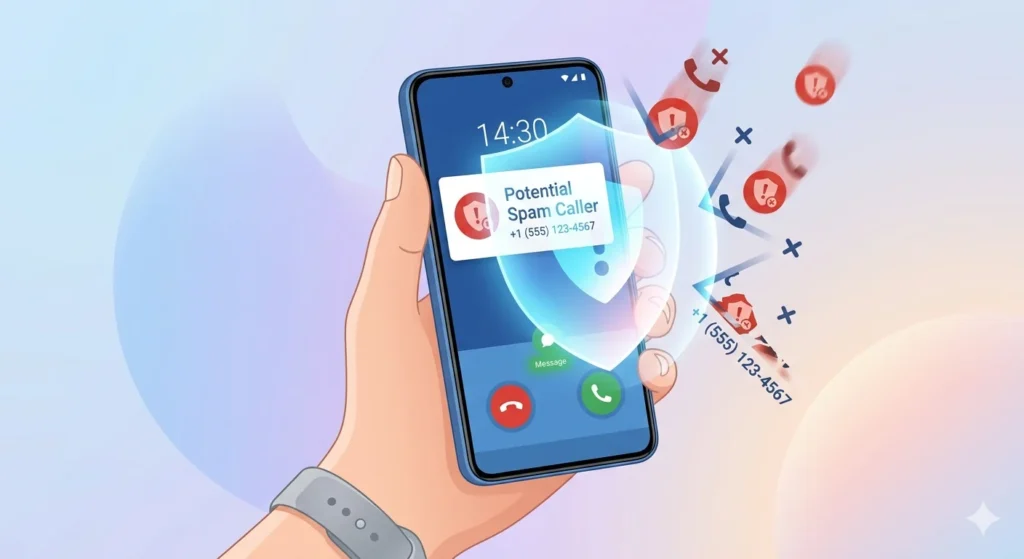
- Automatic spam and scam call blocking
- Smart SMS filtering into personal, spam, and other categories
- Reverse number lookup for any phone number
- Call recording for important conversations
- Custom block list for specific numbers or area codes
How Truecaller APK Identifies Callers?
The identification process behind Truecaller APK relies on a massive, crowd-sourced phone number directory rather than a fixed local database. When a call comes in, the app checks the number against this directory in real time and pulls a matching name if one exists. Numbers reported by multiple users as spam get flagged automatically, which is why fraud calls often get blocked before the second ring. This system means accuracy improves naturally as more people in your country or city use the app regularly. For users in Pakistan specifically, local reporting has made the spam database noticeably sharper over the past few years.
How to Download and Set Up Truecaller APK?
Setting up this app takes only a few minutes, and most of the process is guided automatically.
- Download the Truecaller APK file from a trusted source like APKSTICK
- Allow installation from unknown sources if your phone requests permission
- Install the file and open the app to start the setup process
- Verify your phone number through the confirmation code sent to you
- Grant phone and contacts permissions so the app can identify calls properly
- Customise your profile and adjust spam blocking sensitivity in settings
Verification with a real phone number is required, since the app’s identification system depends on a confirmed user base rather than anonymous installs.
Truecaller vs Other Caller ID Apps
Several apps compete in this space, but feature depth and database size usually decide which one performs best in daily use.
| Feature | Truecaller | Whoscall | Hiya |
|---|---|---|---|
| Caller ID Database | Largest, crowd-sourced | Strong, regional focus | Moderate |
| Spam SMS Filter | Yes | Yes | Limited |
| Call Recording | Yes | No | No |
| Reverse Lookup | Yes | Yes | Yes |
| Free Tier Usability | Generous | Generous | Limited |
| Premium Price | Moderate | Moderate | Higher |
Pros and Cons of Truecaller
Knowing both sides helps you decide if this app fits your daily phone habits.
| Pros | Cons |
|---|---|
| Massive global caller database | Requires phone number verification |
| Strong spam and scam call blocking | Free version shows ads |
| Smart SMS filtering | Some features need a Premium subscription |
| Reverse number lookup built in | Profile visibility raises privacy questions for some |
| Frequent database updates from community | Heavier app size than basic dialers |
| Works well even on budget phones | Occasional false positives on spam tagging |
Privacy Tips Before You Set Up Truecaller
Caller ID apps work by sharing data, so a little awareness during setup goes a long way. Review what information appears on your public profile and limit it to only what feels comfortable sharing with strangers. Turn off automatic contact syncing if you prefer to keep your address book private from the app’s database. Check the permissions list during installation and deny anything that feels unrelated to caller identification, such as unnecessary location access. Reading through the spam reporting settings also helps you understand how your own number might appear to others. A few minutes spent here makes the app safer without reducing how well it protects you from spam.
FAQs
Yes, downloading from a verified source like APKSTICK keeps the file safe and matches the original developer release.
Yes, verification with a real number is required, since identification depends on a confirmed user base.
Most known spam numbers get blocked automatically, though new or unreported numbers may slip through initially.
Yes, the core caller ID and spam blocking features are free, with optional Premium features available.
The app may sync your contacts for caller identification, but you can disable this option during setup if you prefer privacy.
No, an internet connection is needed to check incoming numbers against the live database.

APKStick Team
The APKStick Team consists of dedicated Android gaming enthusiasts based in Pakistan who personally test, install, and review every APK before publishing. With years of hands-on experience in mobile gaming and earning apps, we aim to provide safe, verified, and up-to-date APK downloads for Pakistani users. Every app reviewed on APKStick is manually tested on real Android devices to ensure it works, pays, and is free from malware.
Download links
Click the above button to download the game.
Download your game by clicking the button below.