Perplexity AI App: Complete Review and Download Guide 2026
89.79 MBVersion
v2.91.1 Requirements
Android 5.0 or higherDownloads
100,000,000+Get it on

Description
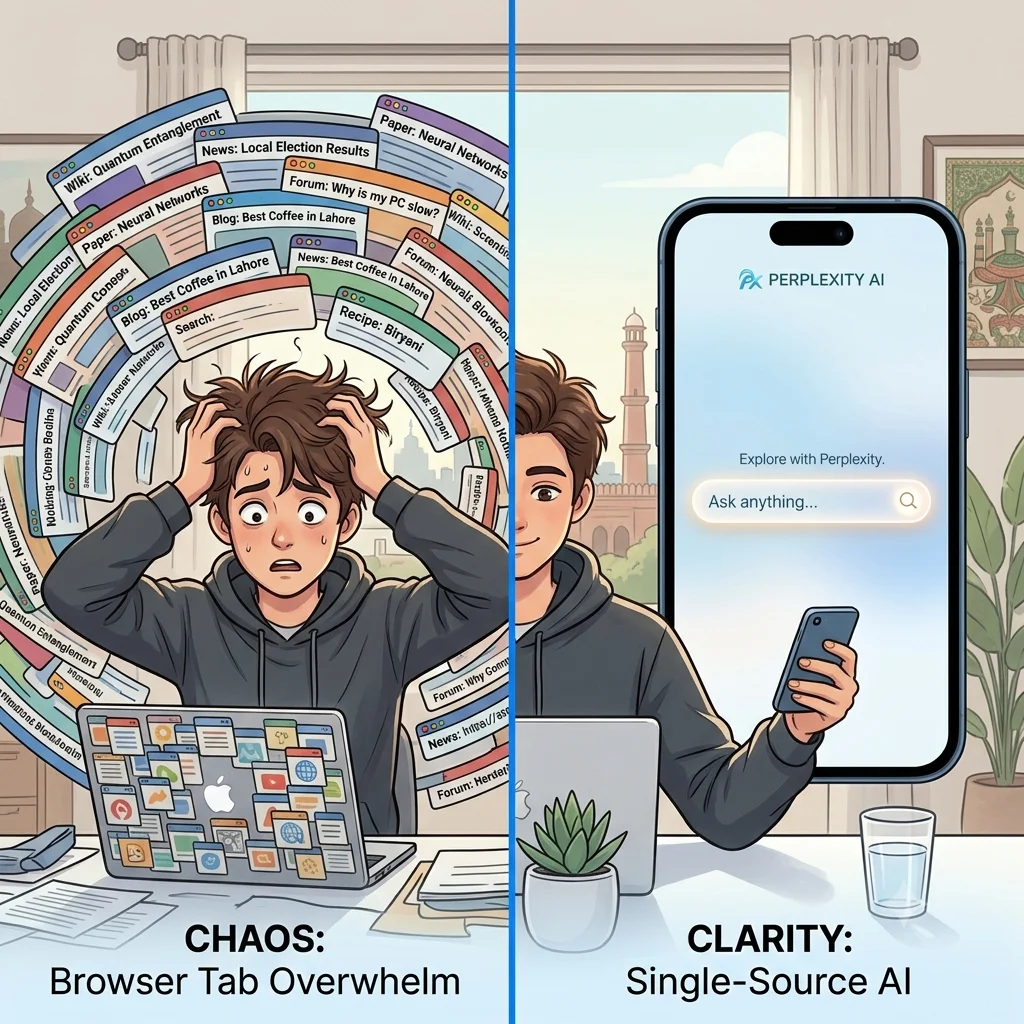
The Perplexity AI app has quickly become popular among Pakistani Android users. It offers faster, smarter answers than a regular browser. Instead of scrolling through dozens of links, this AI-powered application delivers direct, cited answers in seconds. That convenience is exactly why students, freelancers, and professionals are switching to it. In this review, we break down every feature and walk through the download process, so you can decide if this mobile application deserves a spot on your phone.
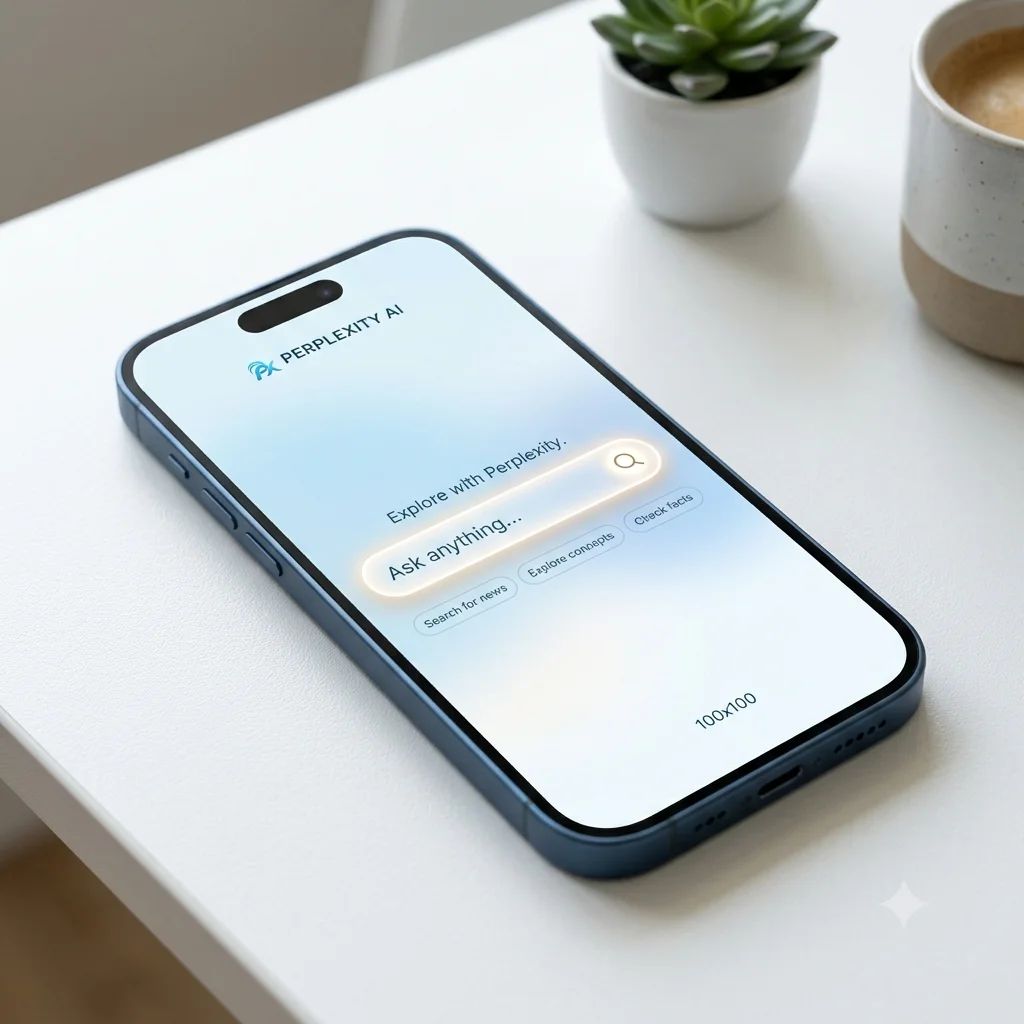
What is Perplexity AI App
The Perplexity AI app is an AI-powered answer engine. It was developed by Perplexity AI, Inc. The app replaces traditional search with direct, conversational responses backed by real sources. Unlike a typical search engine, it does not just hand you a list of links. Instead, this mobile app reads across the web and multiple AI models, including systems from OpenAI, Anthropic, and Meta. It then compiles a clear answer with citations attached.
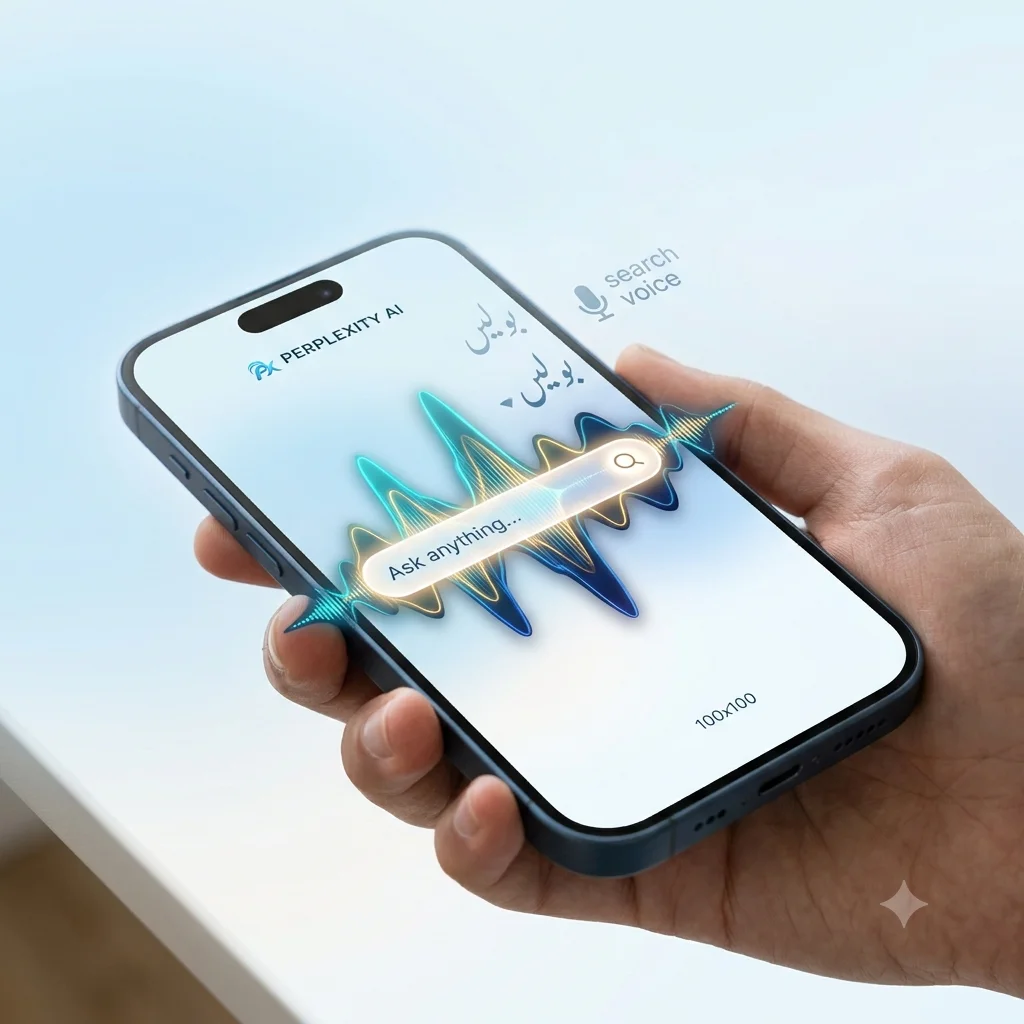
Users do not have to jump between tabs to verify information. Every response comes with a source trail built right in. The app also supports voice input, so you can simply speak a question. This makes it useful for hands-free searching while commuting or multitasking. The interface stays clean and distraction-free, with a simple search bar at the center. A Discover feed below it surfaces trending questions from the community.
The app organizes past searches into a Library section. This turns your search history into a real knowledge archive. On the security side, the developer follows standard Android data protection practices. The app has also passed security scans on major third-party platforms. Customer support runs through an official Discord server and a dedicated support email. Pro and Max subscriptions can be purchased through standard Google Play billing. The app receives frequent updates through the Google Play Store, with the latest one rolling out in late June 2026.
Key Features
The Perplexity AI app packs a wide set of features. Here is a closer look at what stands out:
- Pro Search for Deeper Exploration – This feature guides your query through multiple steps of reasoning. It helps when researching complex topics instead of giving a single surface-level answer.
- Cited Sources on Every Answer – Each response includes clickable citations. You can verify facts instantly, and this transparency builds trust.
- Voice Search and Voice Mode – You can speak your question naturally. The AI platform responds with an instant spoken or written answer.
- Thread Follow-Ups – Conversations stay connected. You can ask a follow-up question without repeating context.
- Multi-Model Access – The mobile application taps into leading AI models from different developers. This often gives more balanced results than relying on a single model.
- Deep Research Mode – This tool digs through numerous sources automatically. It compiles a structured report and saves hours of manual work.
- Perplexity Assistant – Beyond answering questions, the assistant can help draft emails and set reminders directly from the app.
- Discover Feed – A built-in feed shows trending topics from other users. It keeps you updated on what people are currently curious about.
- Cross-Device Sync – Your searches and Library sync automatically across your phone, tablet, and browser.
- Inline Data Cards – For queries like stock prices, the app displays interactive cards and charts directly in the chat.
Additional Features
Beyond the core tools, the Perplexity AI app includes a few smaller additions:
- Support for multiple languages, making it accessible to a wider audience.
- A dedicated Library section that stores past searches automatically.
- Integration with Perplexity Labs for building simple reports from research data.
- Regular model upgrades added throughout 2026.
- A lightweight interface with less clutter than many search apps.
- A free tier alongside optional Pro and Max subscription plans.
How to Download Perplexity AI APK?
Installing the Perplexity AI app takes only a couple of minutes. Just follow these steps:
- Open the Google Play Store on your Android device.
- Type “Perplexity – Ask Anything” into the search bar.
- Tap on the official app published by Perplexity AI, Inc.
- Press the Install button and wait for the download to finish.
- Open the mobile app from your home screen or app drawer.
- Grant only the permissions you actually need, such as microphone access for voice search.
If you prefer an APK file from outside the Play Store, choose a well-known platform. Always verify the developer name matches Perplexity AI, Inc. Scan the file with a trusted antivirus tool before installing it, since sideloaded files carry more risk than official downloads.
Creating an Account on Perplexity AI
Registration on the Perplexity AI app is optional for basic searches. However, creating an account unlocks synced history and personalised results. To register, open the app and tap the profile icon. Choose to sign up using your email, Google account, or Apple ID. After entering your details, confirm your email if prompted. Your account becomes active immediately and syncs across every device you use.
Signing In to Perplexity AI
Once registered, logging in to the Perplexity AI app takes only a few seconds. Open the application and tap the login option. Enter your email and password, or simply tap “Continue with Google” if you registered that way. The app then restores your search history and Library entries automatically. You can pick up right where you left off.
How does Perplexity AI Search work?
The core mechanism behind the Perplexity AI app combines web crawling with large language model reasoning. When you type or speak a question, the system searches current web sources in real time. It filters out low-quality or outdated content first. The relevant information then feeds into an AI model to generate a coherent answer. Afterwards, it attaches citations to every claim, so you can trace each fact back to its source. This entire process happens within seconds.
What’s Trending in Perplexity AI?
Throughout 2026, the platform has expanded well beyond simple search. Recent updates added Deep Research for compiling detailed reports. Inline stock charts now appear for finance-related queries. The system also gained integration with newer reasoning models for more accurate answers. The company launched a separate agentic browser called Comet, which extends similar AI assistant features into web browsing. These changes show the app moving toward a broader productivity platform.
Tips to Use Perplexity AI Effectively
- Use specific, detailed questions instead of vague ones for more accurate answers.
- Check the cited sources before relying on any answer for serious work.
- Try voice mode when you need quick answers without typing.
- Explore the Discover feed to find useful information you were not searching for.
- Keep the app updated through the Play Store for the latest models.
Pros and Cons
| Pros | Cons |
|---|---|
| Answers come with verifiable citations | Some advanced features need a paid plan |
| Clean, distraction-free interface | Occasional login prompts reported by users |
| Access to multiple AI models in one app | Heavier reliance on internet connectivity |
| Useful Deep Research and Assistant tools | Newer users may need time to explore it |
| Free tier covers most everyday needs | Not all languages perform equally well |
My Experience Using Perplexity AI
After spending time with the Perplexity AI app, the citation system stands out the most. It removes the guesswork that comes with many AI chatbots. Research-heavy questions felt noticeably faster than manually searching and cross-checking websites. Voice mode also worked smoothly during casual use. A login prompt appeared occasionally during longer sessions, which matches feedback shared by other users online. Overall, the experience felt closer to a smart research assistant than a plain search engine.
Precautions Before Using Perplexity AI
Always download this AI app directly from the Google Play Store or the official website. This helps you avoid modified or fake versions. Avoid granting unnecessary permissions on your device. Never share sensitive personal or financial information through any AI chat, since responses come from automated models. Verify important facts through the cited sources before using them for academic, legal, or financial decisions.
Legal and Safety Note for Perplexity AI Users
This review is meant purely for informational purposes. It helps Android users understand the Perplexity AI app before downloading it. APKStick does not host modified or cracked versions of this application. We always recommend downloading directly from the Google Play Store or the developer’s website. Users should also review the app’s own privacy policy, since data handling may vary by region.
Conclusion
The Perplexity AI app offers a genuinely useful alternative to traditional search. It combines speed, source transparency, and multi-model intelligence in one clean interface. Whether you are a student, a freelancer, or simply someone who wants faster answers, this AI platform delivers real value on Android. Pairing it with basic precautions and source verification will help you get the most reliable results.
FAQs
Yes, the core features are free. Pro and Max plans unlock advanced tools like Deep Research and additional model access.
Basic searches work without registration. Creating an account enables synced history and personalised features.
Yes, when downloaded from the official Google Play Store. The app has passed standard security checks and follows normal data protection practices.
The app supports multiple languages. Performance may vary depending on the language you select.
Perplexity focuses heavily on real-time web search combined with cited sources. Other AI apps often prioritise open-ended conversation over source verification.

APKStick Team
The APKStick Team consists of dedicated Android gaming enthusiasts based in Pakistan who personally test, install, and review every APK before publishing. With years of hands-on experience in mobile gaming and earning apps, we aim to provide safe, verified, and up-to-date APK downloads for Pakistani users. Every app reviewed on APKStick is manually tested on real Android devices to ensure it works, pays, and is free from malware.
Download links
Click the above button to download the game.
Download your game by clicking the button below.